
VMware vSphere Agent Pre-upgrade Check
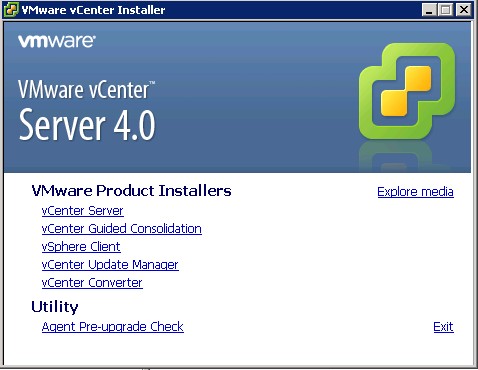
One of the visible thinks you can see when you first execute the installation of vCenter Server is Agent Pre-Upgrade check.
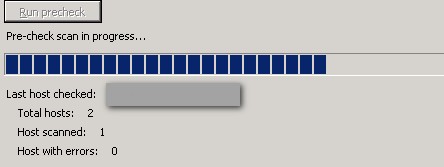
What is it? This feature just ensure that the update process will go well. It check if all the hosts in your environment are having the necessary pre-requisites, so the upgrade process will be fine.
After you upgrade your vCenter server, the upgrade of your VI client will be automatically detected and installed too. (at least in my case that what's happened). If not login through a webacess and download a the updated
The VI client has been updated and you have also the choice to install the vSphere host update utility. I did that to be able to upgrade my hosts in my environment.
FYI, I had to reinstall and re-enable the vSphere update manager Plug-in after my upgrade. (You go to Menu Plugins > Manage Plugins.




Did you run esx4.0U1 in ws7?
I get a message TSC: 73051603 cpu0:0)NUMA: 706: cant boot system as genuine NUMA. Booting with 1 fake node(s)
Any idea what this mean?
this is same in VM on ESX4, look for this
http://communities.vmware.com/thread/244537;jsessionid=7A3A7905B52B11BA3CF1FA8981E42318?tstart=150
Thanks Petr for pointing this out.. Apparently in this thread I saw that the issue was solved… -:)
Vladan