Terminals is a Free connection manager.
Terminals cames from Microsoft’s open source project hosting site, CodePlex. It'scapable of creating connections using RDP, VNC, VMRC, Telnet, SSH1, SSH2, ICA Citrix, RAS and HTTP sessions.
When you manually creating a connection, you've got the choice of the protocol, and then it depens which protocol you are using for your connection you will get the different options for the configuration. All options are quite familiar to persons which uses this kind of connection on a daily base. Like the menu animations and redirecting sound for RDP connections.
Now the good stuff.
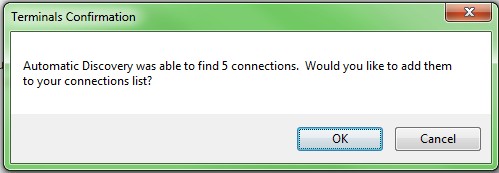
Connections can also be automatically discovered from Active Directory or if you scan a range of IP addresses for RDP, VNC, VMRC, Telnet and SSH accepting incoming connections. You also have the possibility to import RDP, vRD or MuRD files.
Grouping connections.
You can group your freshly created connections in a group. Then with this grouping feature you can open multiple connections at once. It's useful when you have your daily morning routine to connecto to several servers and do some checks or so.
Store your connection in some other places than your Laptop.
When you will have a lot of machines configured in your laptop or desktop, you will start to ask yourself what's the backup possibilities of this software….
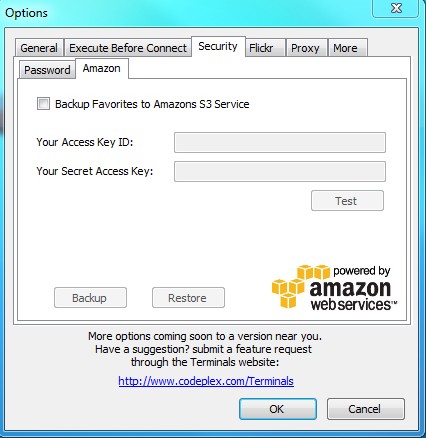
You can simply copy the terminals.config file in the Terminals application folder or there is some much more cool way to backup your connections. You can actually backup your configuration file to Amazon’s S3 cloud storage system from within Terminals.