
VMware Flings Site with new Fling – ESX System Analyzer
If you need to migrate ESX to ESXi some tools can be handy. Oh there are tools for that? Yes, they call them Flings… -:). Can be found at https://labs.vmware.com/flings
The tool analyzes your existing ESX environment and shows you basically what needs to be done before you launch the migration. The tool is a virtual appliance that's why the download is 1.6 Gigs…. -:)
The ESX System Analyzer is a tool designed to help administrators plan a migration from ESX to ESXi. It analyzes the ESX hosts in your environment and, for each host, collects information on factors that pertain to the migration process:
- Hardware compatibility with ESXi
- VMs registered on the ESX host, as well as VMs located on the host’s local disk
- Modifications to the Service Console
- RPMs which have been added or removed
- Files which have been added
- Users and cronjobs which have been added
This tool also provides summary information for the whole existing environment
- Version of VMware Tools and Virtual Hardware for all VMs
- Version of Filesystem for all datastores
By having this information, administrators can determine what tasks need to be done prior to the migration. Examples include:
- Relocate VMs from local datastores to shared datastores
- Make note of what agent software has been added to the host and obtain the equivalent agentless version
- Replace cronjobs with equivalent remote scripts written with PowerCLI or vCLI
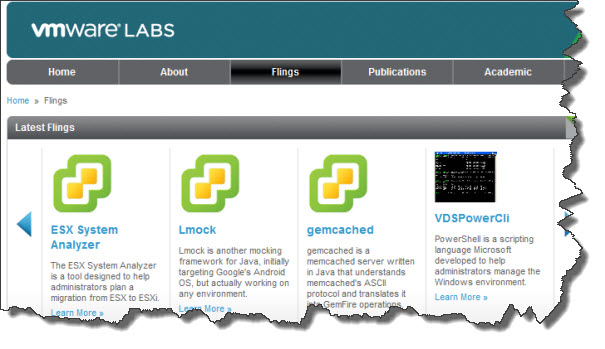
Make sure you visit the fling site here and use this fling against your environment:
https://labs.vmware.com/flings/esx-system-analyzer
Enjoy… -:)

