
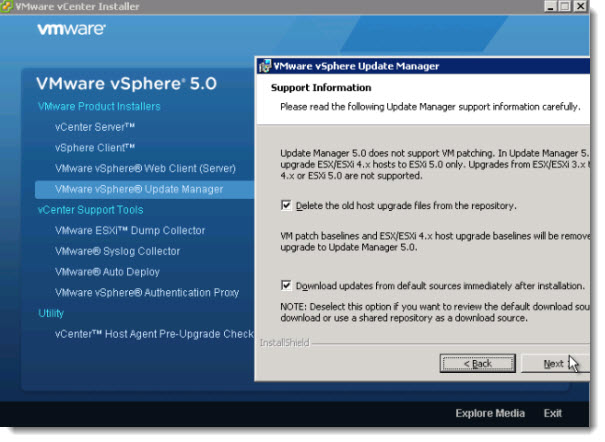
VUM – VMware Update Manager installation Video from my Lab. In this video you'll see an installation of VMware Update Manager, which is integrated solution for patching ESX(i) hosts and VMs. Part of the installation is the upgrade process from vSphere 4.1, where you got the choice of deleting the old files (or not).
The process is quite straightforward. After the installation of the VUM, you have to go and enable the plug-in in the vSphere client. The client must be restarted then to show the new plugin from within the vSphere client….
VMware vSphere 5 come in with the possibility to use vCenter in Linux VM. Unfortunately this pre-configured virtual appliance does not permit to use VUM, so in order to use VUM, you still need to use vCenter installed on Windows system. But for small environments with less than 5 hosts, which is good for SMB's this can turn into advantage actually, because one does makes supplementary savings on One Windows License.
The update manager installation screenshot below:
And here is the promissed video:
Best to watch in Full Screen..
Source: vLadan's Lab…




