This post is now a historical post as the activation of SSH is possible through GUI, but this wasn't the case before (you'll see at the end of this post). How-to activate SSH in ESXi through vSphere Client. If using ESXi 3.x and 4.x, than the process has been invoked from the server's console, but now,if you're using ESXi 5.x It's possible to do it through the vSphere client, via the GUI. This is an updated and relevant information concerning the ESXi 5.x. I leave the info concerning the ESXi 3.x at the end of this post in order some people might still runs on ESX 4.x. But I would strongly recommend to move to ESXi 5.
How-To activate SSH in ESXi 5.x:
01. Go and open your vSphere Client. If you don't use vCenter – you using only one ESXi host – connect directly to your host. If you using vCenter select the host to which you want to the SSH to be enabled.
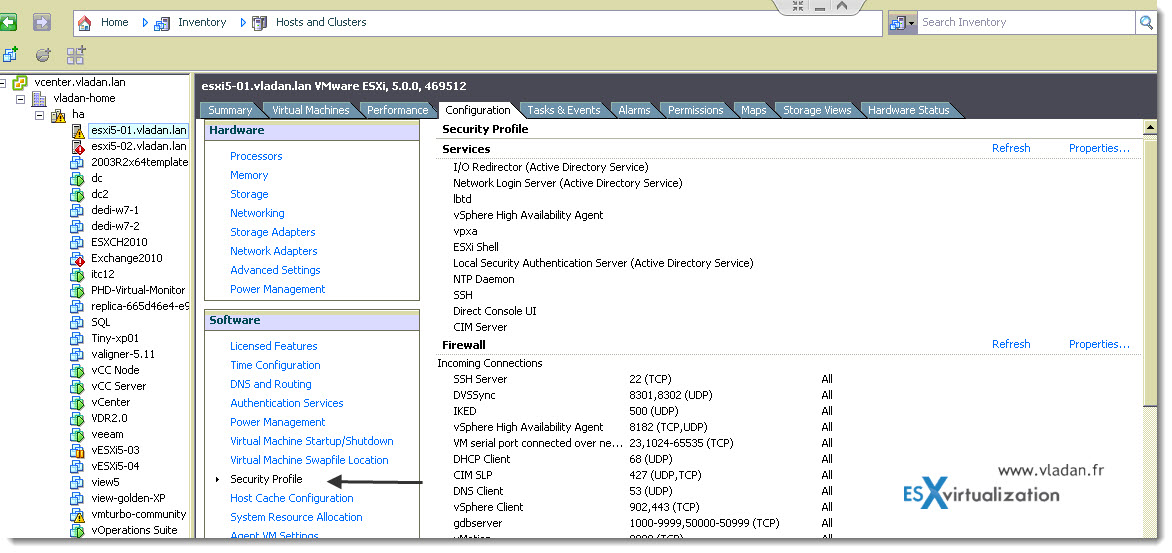
02. Select Configuration > Security Profile (you can click on the picture to see bigger view).
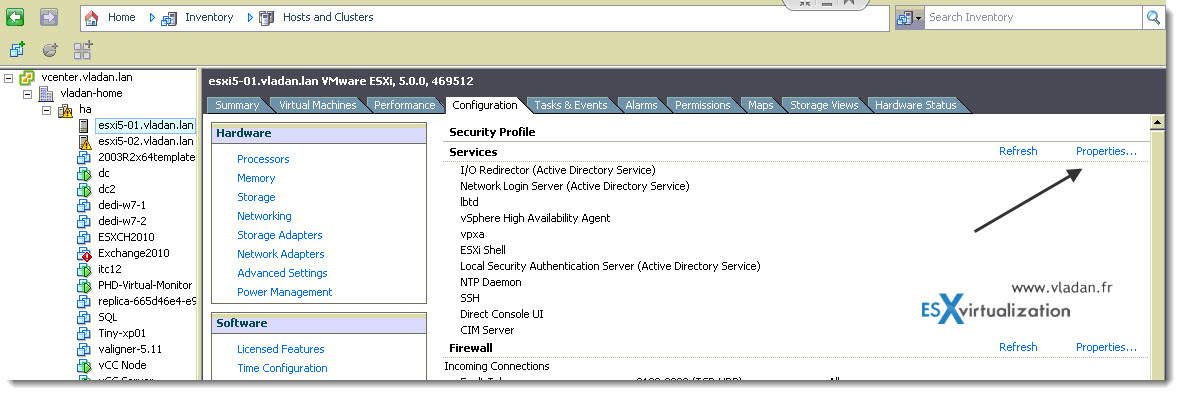
03. Select Properties and wait for a window to appear.
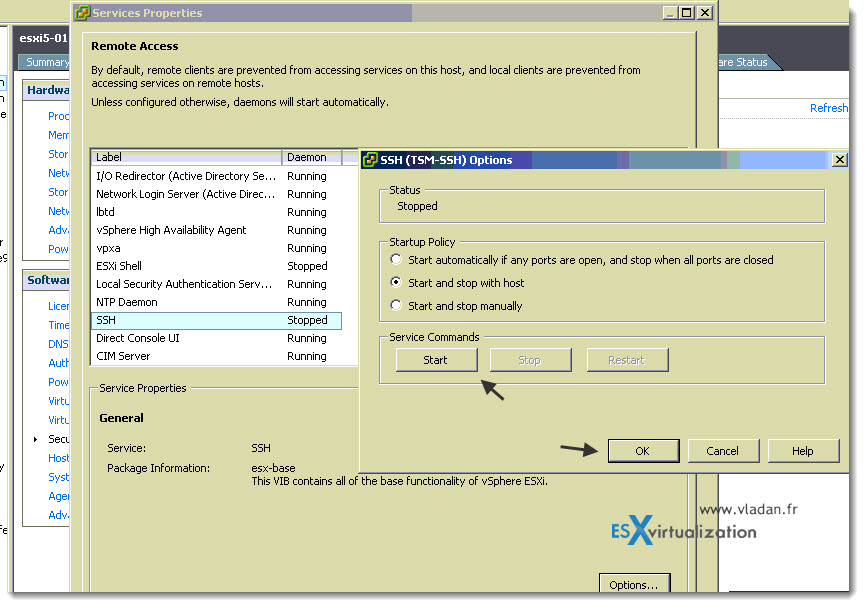
04. On this window you should first start the SSH service and then select the option which you want. Usually Start with the host is the best one. Like this the SSH service will start after reboot.
Now, you should know that this tutorial How to activate SSH in ESXi is teaching you how to do it, but by activating SSH you're activating a potential security breach….. so it's important to know why you're doing this.
After activating you will see a security message on your ESXi host telling you that SSH has been activated.
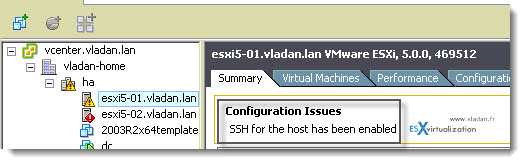
You can disable this warning message if you want. You'll find this how-to in this post here. You might be also interested on how-to disable a warning message “This Host does has no management network redundancy”
Here is the easy way to do in on ESXi 4.1: How-to activate SSH in ESXi 4.1
The content below is relevant only for ESXi 3.x hosts…..
When you first install ESXi Server (the installable version), by default the service ssh is desactivated. Tech Support
Mode provides a command-line interface that can be used to diagnose and repair ESX Server 3i hosts. But it is possible very
easy to activate SSH. Here is how:
Requirements:
You have to have direct access to console
1.) While you are at the console hit ALT + F1
2.) Type in ” unsupported ” and hit Enter
3.) Go ahead and type the root password
4.) Go and edit the /etc/inetd.conf file type : vi /etc/inetd.conf
5.) Uncomment the line where you can see “#ssh” (line 32). Remove the “#” mark at the beginning.
6.) Then press ESC and type in :wq! to save the file and exit vi.
7.) Then run the command /sbin/services.sh restart
Remarque: In case that this don't work. It means that when you type ” unsupported ” nothing happens, you'll have to follow this:
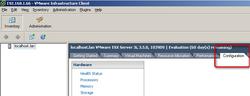
1.) Open the VI client, click onto the ESXi server you want to manage and go to Configuration TAB
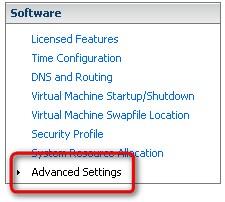
2.) Advanced Settings
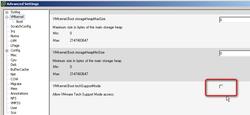
3.) Uncheck the VMkernel.boot.techSupportMode
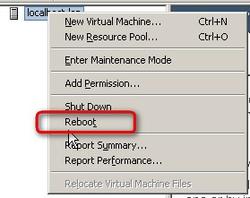
4.) Reboot the ESXi Server. Before restarting the host, you should shut down virtual machines on that host
You can read the original KB article at WMware website









Hi
SSH is activated, but if i want login via putty, my password for root user dont work.
I can’t find any solution in the www.
Help!
Hi,
did you restart your ESXi 4 since?
SSH can be activated in vSphere Client (at at least for 4.1):
Configuration->Security Profile-> Remote Tech Support (SSH) [Start it, and enable autostart if you like]