
I had this issue with vCenter Server on my home lab.
Virtual Center starts before the SQL database it depends on. I found a solution in a KB on VMware's website.
This article provides steps to prevent the race condition from occurring. VirtualCenter service does not start after reboot.
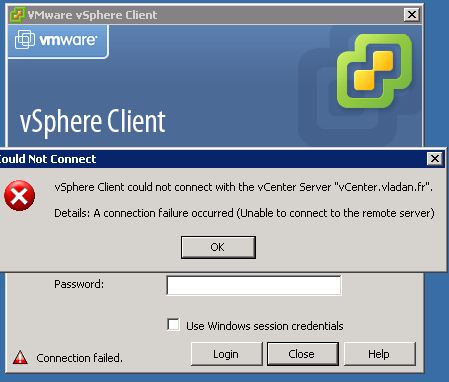
First I checked log files of vCenter here: C:WindowsTempVPX
I suppose that VirtualCenter Server service can be started manually with no problems. This is my case….
You need to add a dependency to the VirtualCenter service so that it waits for SQL Express remedies this.
To create a service dependency:
01. Click Start > Run. Type services.msc and press Enter.
02. Locate the SQL instance for VirtualCenter. For example, SQL Server (SQLEXP_VIM).
03. Open the SQL Express instance and note the Service Name. For example, MSSQL$SQLEXP_VIM .
04. In the Run dialog, type Regedit.exe and press Enter. Browse to HKEY_LOCAL_MACHINESYSTEMCurrentControlSetServicesvpxd
05. Double-click the DependOnService key and add the Service name using the name identified in step 3.
06. Go back to the Services Panel and open the SQL Server properties.
07. On the Dependencies tab, verify the VMware VirtualCenter service is listed as depending on the SQL service instance.
Check also this Microsoft KB.


Thank you. This fixed the problem I was having.