The correct LSI driver is necessary to install Win XP on ESX Server.When you first install a Windows XP on ESX, there is a little trouble. Windows XP uses by default the LSI Logic driver. But Windows XP does not have the correct driver by default so the installation will fail, stating that no disk drives were found. How to avoid this? How to install Windows XP on ESXi with LSI driver.
UPDATE: The procedure was updated in this post: https://www.vladan.fr/windows-xp-installation-as-a-vm-trouble-to-see-the-disk-or-not/
The procedure below does not work since the LSI logic driver was removed from LSI logic website.
1.) First of all you will have to download the correct LSI Logic driver .
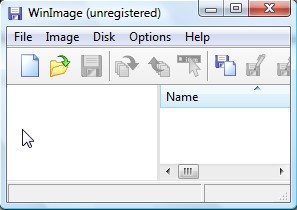
2.) Then you must create a .flp floppy file. How to do that? You will be using a tool such as WinImage and upload the .flp file to your datastore.
3.) After, when you will be installing the Windows XP Virtual machine, press F6 and S to specify an additional driver.
4.) And then, install the Vmware Tools when the VM 1st boot.
Hope it helped, this little tuto…