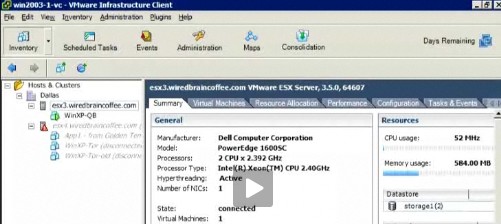
Step by step procedure for newbies about how to create and how to install VM inside Virtual Infrastructure – running inside VMware Virtual Infrastructure.
Using the VI client. In this video, David Davis shows how to do it exactly. Shows all the necessary steps to succeed in creation of a VM inside VMware ESX.
Update: You might want to check the latest news about VMware from this page of my Website: Top Features of vSphere 5.1. I'm providing also a ton of free tools which are useful when managing virtual infrastructure based on VMware or Hyper-v. You can check out my Free Tools page here.
The desktop virtualization products from VMware are providing an excellent value for the money. Check out the VMware Workstation 9 or VMware Fusion 5 features from this page. You may also want to check out the latest promos category.
Last but not least I have a plenty of resources to learn vSphere for Free:
- How to build nested vSphere lab on laptop with limited resources
- Free Technical PDFs
- Articles Free Category of the site
- Latest Features in VMware vSphere
- ESXi Free – how to upgrade to ESXi 5.1
- ESXi 5.1 Free with no vRAM limit but physical RAM limit of 32Gb
- vSphere Web Client – New in VMware vSphere 5.1
- vSphere Data Protection – a new backup product included with vSphere 5.1
This website was one of the Top Virtualization blogs. The author is working as an independent consultant in the IT.