
Managing virtualization, servers, storage, and backups can be a real headache with scattered tools and endless dashboards. That's why I've been a fan of XorMon for years—it's the one-stop solution that pulls everything together. I've covered it before in my posts on Xormon 2.0 for smarter monitoring and XorMon NG 1.9.0 with Veeam support. Now, with the latest XorMon NG 2.1.0 release, there are exciting updates that make it even more powerful for IT admins. Let's dive into what's new, how it builds on previous versions, and why it's essential for virtualization pros. But first, a quick refresher if you're new to XorMon.
What is XorMon NG?
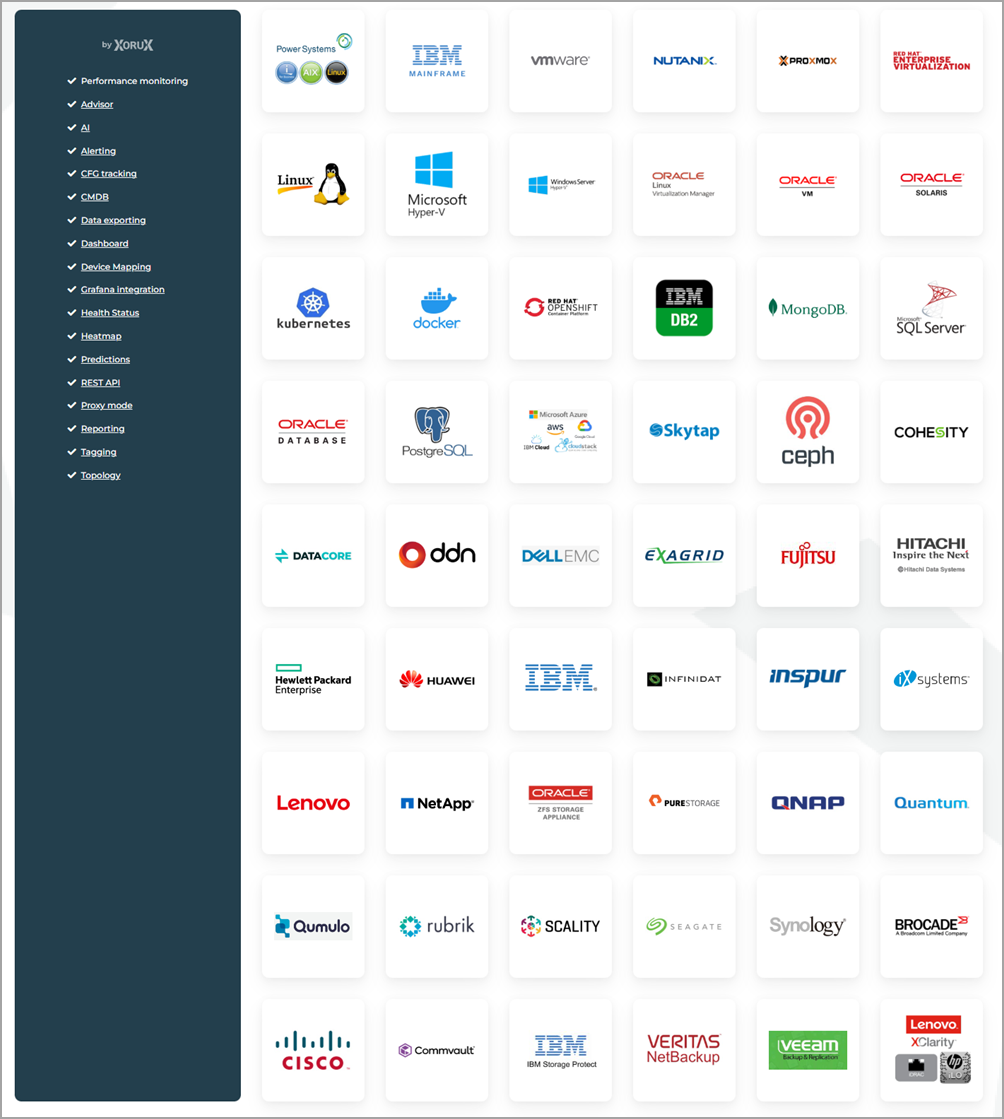
XorMon NG is a robust, open-source monitoring tool that unifies your entire IT infrastructure into a single, intuitive dashboard. It covers servers, virtualization, storage, databases, cloud, containers, SAN/LAN networks, backups, tape libraries, and even mainframes. With agentless data collection (plus optional lightweight OS agents for deeper insights), it provides real-time metrics, topology maps, predictive analytics, and customizable reports to catch issues like capacity shortages or performance bottlenecks early.
Whether you're running VMware, Proxmox, Nutanix, or IBM Power Systems, XorMon supports a wide range of vendors including Dell EMC, Hitachi, Pure Storage, Cisco, and Brocade. It integrates with Grafana, offers REST API access, and scales for hybrid environments—saving you from tool sprawl and giving you more time for actual admin work.
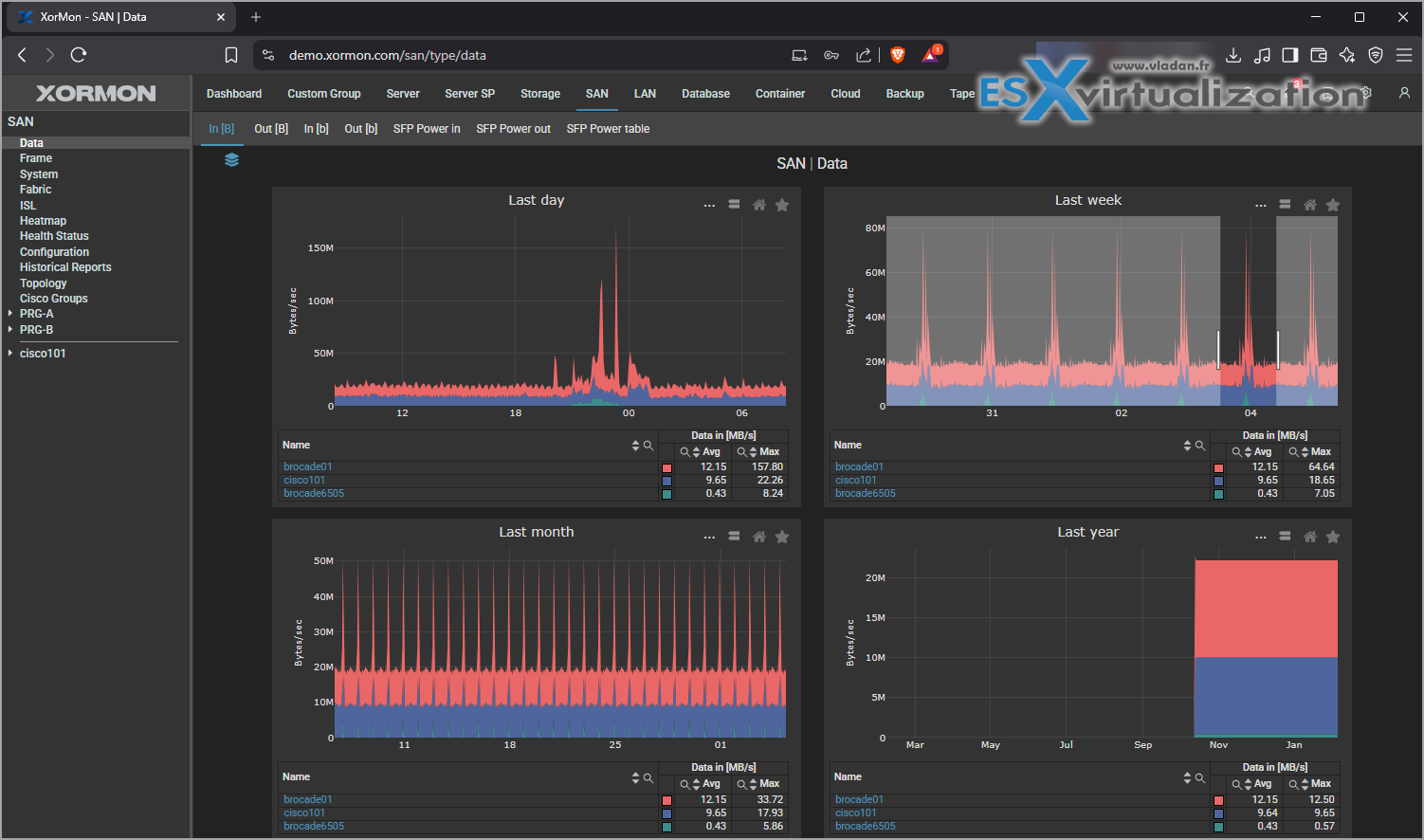
What’s New in XorMon NG 2.1.0?
Released in late 2025, XorMon NG 2.1.0 focuses on expanding support for new technologies and refining existing features for better usability and performance.
Here are the highlights:
New Technology Support:
- Commvault Backup and Recovery: Monitor your Commvault setups alongside other backups like Veeam for unified data protection insights.
- MongoDB: Track performance and health for this popular NoSQL database.
- OpenZFS: Enhanced storage monitoring for ZFS-based systems.
- Tape Libraries: Now includes support for tape backups, perfect for legacy or archival needs.
Server Enhancements:
- Resource Configuration Advisor extended to oVirt, Windows, Cloud, Kubernetes, and Red Hat OpenShift—helps optimize resource allocation proactively.
- Red Hat OpenShift and Kubernetes: Now monitors virtual machines (VMs) within containers.
- IBM Power Systems: Displays HMC system logs for easier troubleshooting.
- Windows: Improved mapping under virtualization and cloud setups.
- OS Agent: Alerts if hardware data isn't sent for 3 hours, catching agent issues early.
Storage Improvements:
- Snapshot monitoring across devices to track usage and growth.
- Dell EMC DataDomain: Added VTL (Virtual Tape Library) statistics.
- Dell EMC Isilon: Quota presentation for individual directories.
- IBM FlashSystem: Optimized for large eight-node clusters to handle data gathering efficiently.
- Pure Storage and Dell Compellent: Fixed duplicate volume UID issues in replication scenarios.
Network Updates:
- SAN Broadcom (Brocade) REST API: Resolved bugs for better reliability.
- Fabric view fixes and reduced backend queries for SAN and LAN (via SNMP) to improve efficiency.
Product-Wide Features:
- CMDB (Configuration Management Database) integration for asset tracking.
- UI optimized for phones, making it more accessible on the go.
- Dashboard now supports capacity tables for at-a-glance overviews.
- Self-health status checks and alerting to monitor XorMon itself.
- Auditing: Logs all user changes and setups for security and compliance.
- New topology menu in Settings for quick access to diagrams.
- AI enhancements: Support for Model Context Protocol (MCP) servers.
Bug Fixes:
- Optimized upgrade process for volume migration (Pure Storage, Dell Compellent).
- Fixed Microsoft Hyper-V config saves when servers are off.
- Corrected capacity displays for Dell EMC DataDomain.
- Solaris filesystem graphs and agent interface naming issues resolved.
- LDAP/SSO user profile persistence fixed.
These updates make 2.1.0 a solid step up, especially for admins dealing with backups, databases, and large-scale storage.
Key Features of XorMon NG
Beyond the new stuff, XorMon NG shines with:
- Interactive Graphs and Dashboards: Real-time visuals with zoom, legends, and custom time ranges.
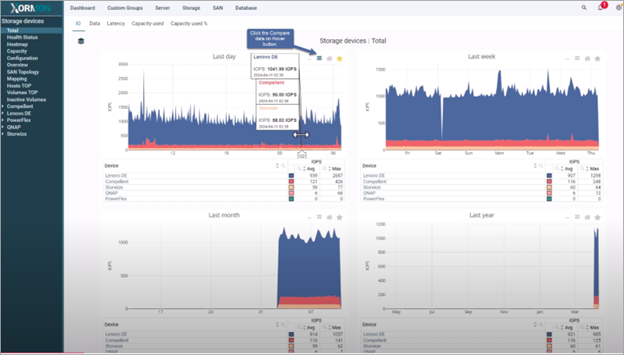
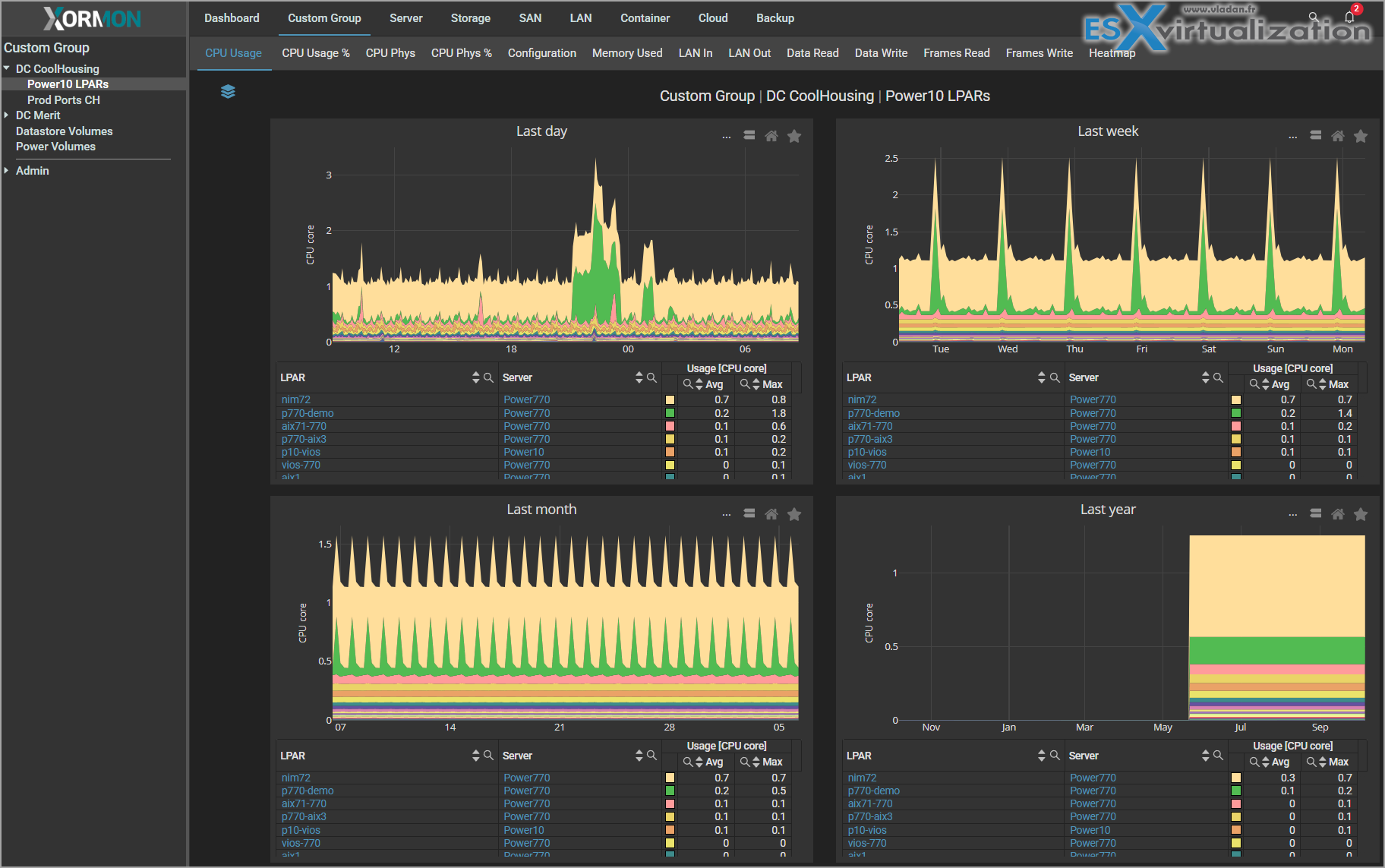
- Custom Groups and Reporting: Group items like VMs or storage for tailored views; generate reports with automation.
- Alerting: Real-time notifications for thresholds, failures, or anomalies—customizable and unlimited in Enterprise.
- Topology Maps: Visualize connections from VMs to storage and networks. (Check our detailed post on SAN Topology and Cool Interactive New Graph Features )
- Predictive Analytics: Forecast disk growth, network issues, or resource needs.
- Integrations: Grafana, REST API, and more for seamless workflows.
Why Virtualization Admins Need/Want This Solution?
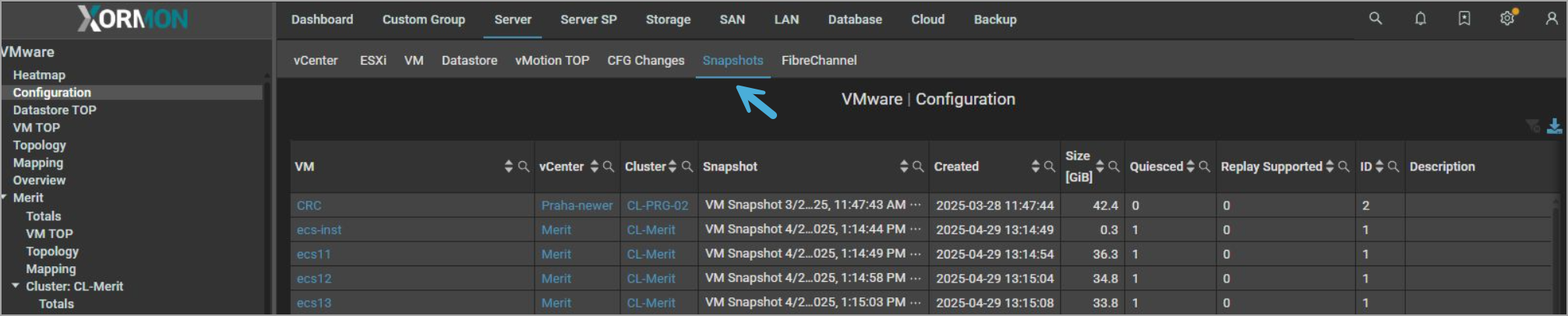
If you're a virtualization admin (or simply admin) handling VMware, Proxmox, Nutanix, or Hyper-V, XorMon NG is a game-changer. It eliminates the silos between hypervisors, storage, and backups. Imagine spotting a VM snapshot bloating your storage or a backup job spiking network traffic, all from one place.
Predictive features help avoid downtime by alerting you to impending issues, like running out of capacity. It's agentless, so low overhead, and scales to enterprise levels without breaking the bank.
Note: Agents are also available, for further deeper-dive data views.
In short, it saves time, reduces false alerts, and lets you focus on optimization rather than firefighting which is essential in today's hybrid, multi-vendor setups.
Image bellow – Check snapshots on you VMs!
How It Builds on Past XorMon Releases
XorMon NG 2.1.0 evolves from earlier versions I've covered. In my XorMon 2.0 post, I highlighted the AI agent, SSO, and new storage supports like Qumulo and Scality RING. Now, 2.1.0 enhances that AI with MCP support and adds tape libraries to complement those.
From the 1.9.0 release with Veeam and Pure FlashBlade, this version builds by integrating Commvault and snapshot monitoring, tying backups more tightly to storage health. Compared to older NG releases like 1.6.0 with IBM Power Pools, it refines CPU monitoring and adds self-health checks for even more reliability.
How to Get XorMon NG 2.1.0
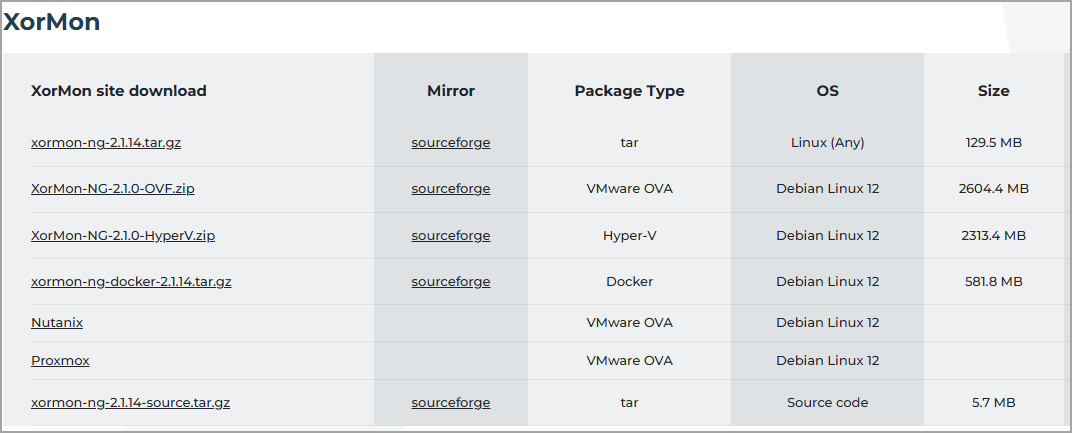
Head to the download page for the latest version—available as a tar.gz, VMware OVA, Docker image, or source code. Try the online demo (login: xormon/xormon) without installing.
You can get Xormon for VMware, Hyper-V, Nutanix, Proxmox, Linux version or as a docker container. It comes with a 2-month Enterprise trial. After that, it switches to the free edition.
XorMon is Open-Source Software
Published under GPL v3, XorMon NG is free to download and use forever. The free edition has limits (e.g., up to 2 vCenters, 8 storage devices, basic alerting), but it's powerful for small setups.
For unlimited devices, advanced features like full alerting, Grafana, and topology, opt for the Enterprise edition via a support plan from XORUX or partners. Support includes SLA responses, installation help, bug fixes, and custom features. Write to [email protected] for quotes. Community help is available on the Xorux forum or subreddit.
Final Words
XorMon NG 2.1.0 is another strong release from XORUX, adding key supports like Commvault and MongoDB while polishing the UI and performance. If you're tired of juggling tools in your virtualization environment, give it a spin—it's free, open-source, and could transform how you monitor. Check the full release notes for details.
More Posts about XorMon
- Xormon 2.0 – Smarter Monitoring for IT Admins
- XorMon NG 1.9.0 Infrastructure Monitoring – now also with Veeam Backup Support
- XorMon SAN Topology and Cool Interactive New Graph Features
- Unleashing the Power of XorMon: A Deep Dive into the Latest Release
More posts from ESX Virtualization:
- Veeam Backup and Replication Upgrade on Windows – Yes we can
- Securing Your Backups On-Premises: How StarWind VTL Fits Perfectly with Veeam and the 3-2-1 Rule
- Winux OS – Why I like it?
- VMware Alternative – OpenNebula: Powering Edge Clouds and GPU-Based AI Workloads with Firecracker and KVM
- Proxmox 9 (BETA 1) is out – What’s new?
- Another VMware Alternative Called Harvester – How does it compare to VMware?
- VMware vSphere 9 Standard and Enterprise Plus – Not Anymore?
- VMware vSphere Foundation (VVF 9) and VMware Cloud Foundation (VCF 9) Has been Released
- Vulnerability in your VMs – VMware Tools Update
- VMware ESXi FREE is FREE again!
- No more FREE licenses of VMware vSphere for vExperts – What’s your options?
- VMware Workstation 17.6.2 Pro does not require any license anymore (FREE)
- Two New VMware Certified Professional Certifications for VMware administrators: VCP-VVF and VCP-VCF
- Patching ESXi Without Reboot – ESXi Live Patch – Yes, since ESXi 8.0 U3
- Update ESXi Host to the latest ESXi 8.0U3b without vCenter
- Upgrade your VMware VCSA to the latest VCSA 8 U3b – latest security patches and bug fixes
- VMware vSphere 8.0 U2 Released – ESXi 8.0 U2 and VCSA 8.0 U2 How to update
- What’s the purpose of those 17 virtual hard disks within VMware vCenter Server Appliance (VCSA) 8.0?
- VMware vSphere 8 Update 2 New Upgrade Process for vCenter Server details
- What’s New in VMware Virtual Hardware v21 and vSphere 8 Update 2?
- vSphere 8.0 Page
- ESXi 7.x to 8.x upgrade scenarios
- VMware vCenter Server 7.03 U3g – Download and patch
- Upgrade VMware ESXi to 7.0 U3 via command line
- VMware vCenter Server 7.0 U3e released – another maintenance release fixing vSphere with Tanzu
- What is The Difference between VMware vSphere, ESXi and vCenter
- How to Configure VMware High Availability (HA) Cluster
Stay tuned through RSS, and social media channels (Twitter, FB, YouTube)


Leave a Reply