V2V Virtual to physical with Symantec. In this article, I'm gonna show you that is possible to use Symantec's Backup Exec System Recovery to successfully convert your VMs either into VMware (VMDK) or into Virtual PC (VHD) format.
The advantage of using BESR is that you can also use the image of your VM to do a Virtual into Physical conversion – V2P.
Ok here is my configuration and some explications of what exactly you'll find in this how-to :
- I'm running VMWare Workstation with a VM of Windows XP.
- I want to convert this VM into Virtual PC format (VHD) so I can use it inside of Virtual PC or Hyper-V
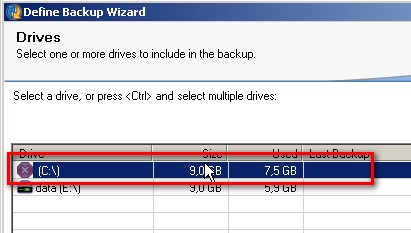
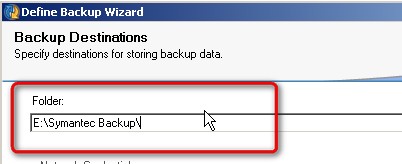
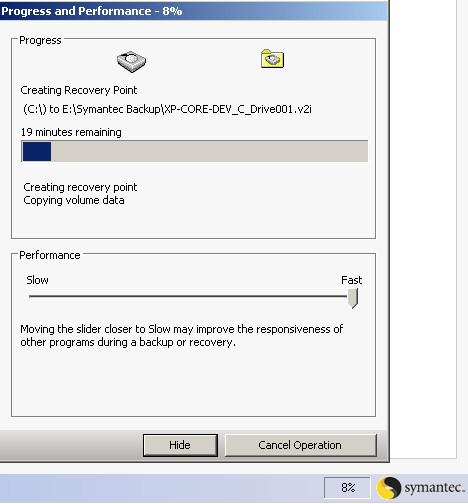
- Iside of the VM I will install BESR 8 and I will create an ‘image' of my C: drive. This onto an E: drive (I suppose that everybody knows how to add an additional hard drive under VMware Workstation)
1.) Install Symantec BESR 8 inside of your VM.(you can download a trial copy valid 60days here)
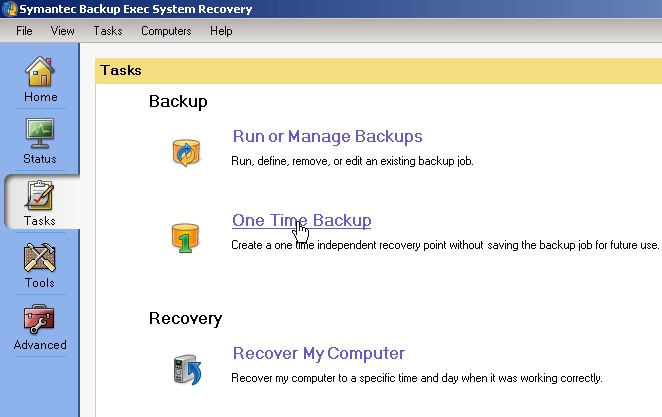
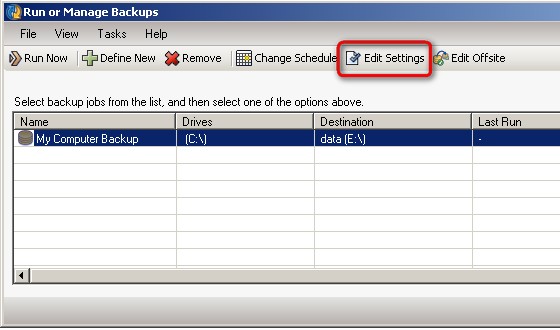
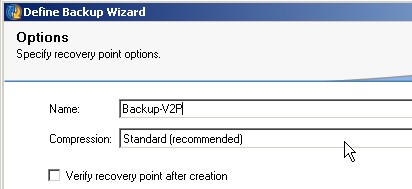
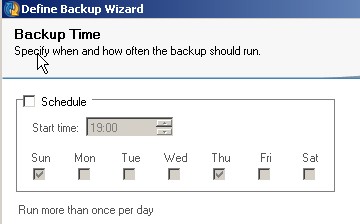
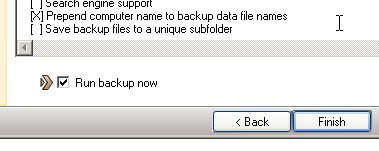
2.) After the installation go to Tasks-create one time backup
Continue to Part 2 here. Enjoy..
More from ESX Virtualization:
- Veeam Backup for Office 365 Released
- VMware API Explorer Is a Free Built-in Utility in VCSA
- What is VMware Stretched Cluster?
- Free Tools
Stay tuned through RSS, and social media channels (Twitter, FB, YouTube)
Please follow and like us:








