
I was tinkering in my lab recently, and installing (or trying to) Xen Orchestra, whcih is a VMware vCenter server alternative as a management of XCP-NG hypervisors. I have already reported about XCP-NG on several blog posts, but in reality, I haven't really did a blog post about Xen Orchestra which is the main piece, as you need it to manage multiple XCP-NG hosts from a single UI.
Xen Orchestra (XO) is a complete, open-source solution for managing, visualizing, backing up, and delegating control over XCP-ng and XenServer virtualization infrastructures. It serves as the official web-based management interface for XCP-ng, offering a centralized, agentless platform accessible via a browser.
Xen Orchestra is an Open Source software developped and maintained by Vates, which, when you want to use it in production, you have much easier way to install it (via pre-built virtual appliance) than I show you today, via script. Also, the installation via script from Roni Väyrynen I'm showing today is good for labs only as it is not officially supported by Vates. XOA (Xen Orchestra Appliance) is a fullblown, prebuilt VM image (recommended for production) with professional support, automatic updates, and a trial for premium features.
But let's get back to our lab installation, via script. There is no GUI-based installation process for Xen Orchestra from sources on any Linux distro. So for users not familiar with Linux it might be an issue. The installation must be performed via the command line, but then, as each distro is different and many dependencies required, the script is graat help as it is able to gather the dependencies right and left whiel recognizing the distro that it is running on. (note only the supported distros works!). So yes, the XenOrchestraInstallerUpdater script greatly simplifies the manual steps and handles dependencies, compilation, and service setup.
The script is maintained by Roni Väyrynen and it's freely available on github. (if you like it, support the author – via PayPal!) The script can also do updates or rollbacks. It supports many Linux distributions or even containers. In my case, I picked up Rocky Linux 10. (there is CentOS 10 Stream, CentOS 9 Stream, AlmaLinux 10, AlmaLinux 9, AlmaLinux 8, Rocky Linux 10, Rocky Linux 9, Rocky Linux 8, Debian 13, Debian 12, Debian 11, Ubuntu 24.04, Ubuntu 22.04.
Steps to Install Xen Orchestra from Sources on Rocky Linux 10 (Using Script)
Follow the steps bellow.
Update System
sudo dnf -y update
sudo systemctl reboot
Install Required Tools
sudo dnf install -y git curl wget vim
Download the Installer Script
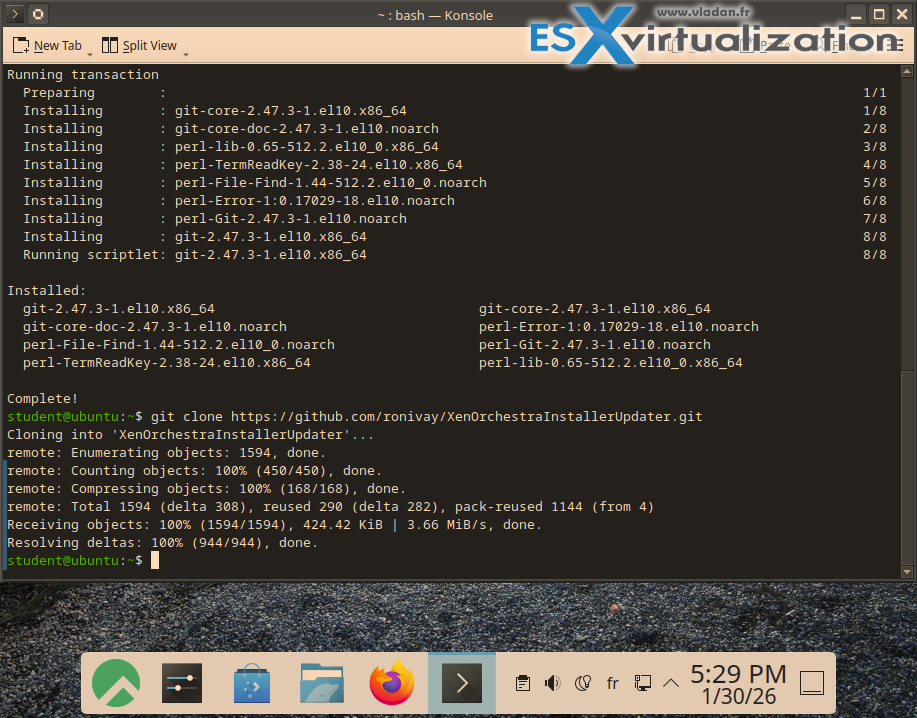
git clone https://github.com/ronivay/XenOrchestraInstallerUpdater.git
cd XenOrchestraInstallerUpdater
cp sample.xo-install.cfg xo-install.cfg
Edit Configuration (Optional)
Open xo-install.cfg with vim or nano.
Set PORT=”443″ (or another port).
Set PRESERVE=”15″ to keep 15 backup configurations.
Save and exit.
Run the Installer
sudo ./xo-install.sh
Select Option 1 for a fresh install.
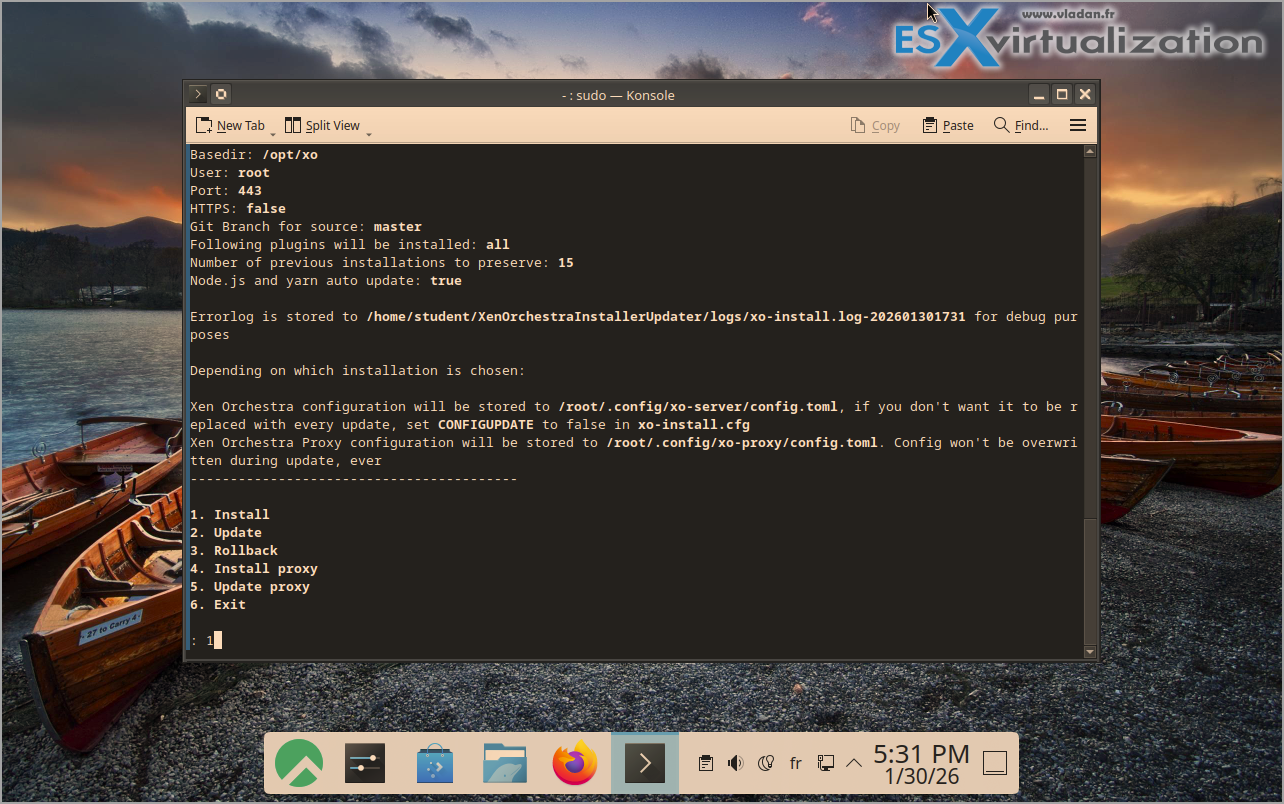
The script will install Node.js, Yarn, dependencies, build Xen Orchestra, and set up the service.
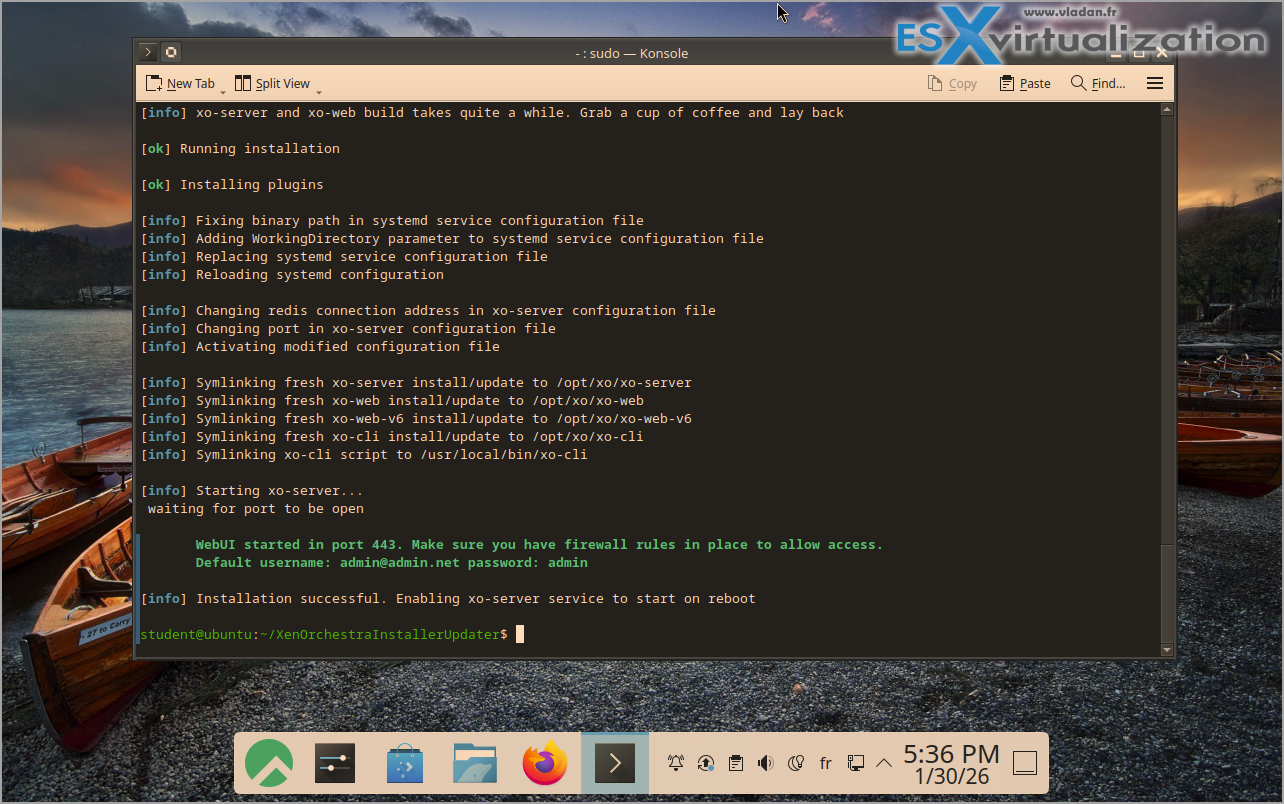
And then, simply go to the main page of Xen Orchestra
Default credentials
User: [email protected]
Password: admin
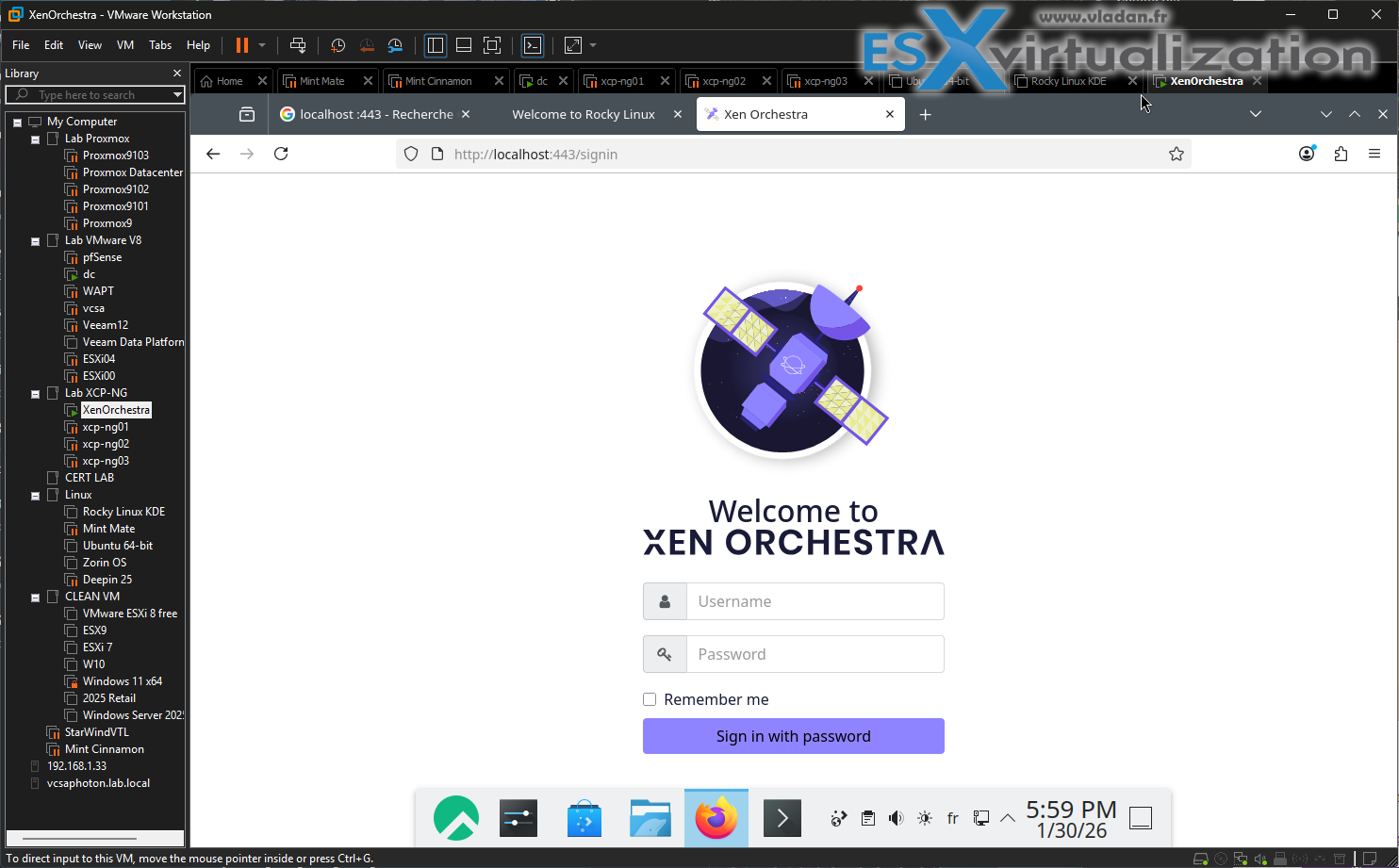
The new Xen Orchestra 6 is the default. (note: you can go back to XO5 via link showing within the UI).
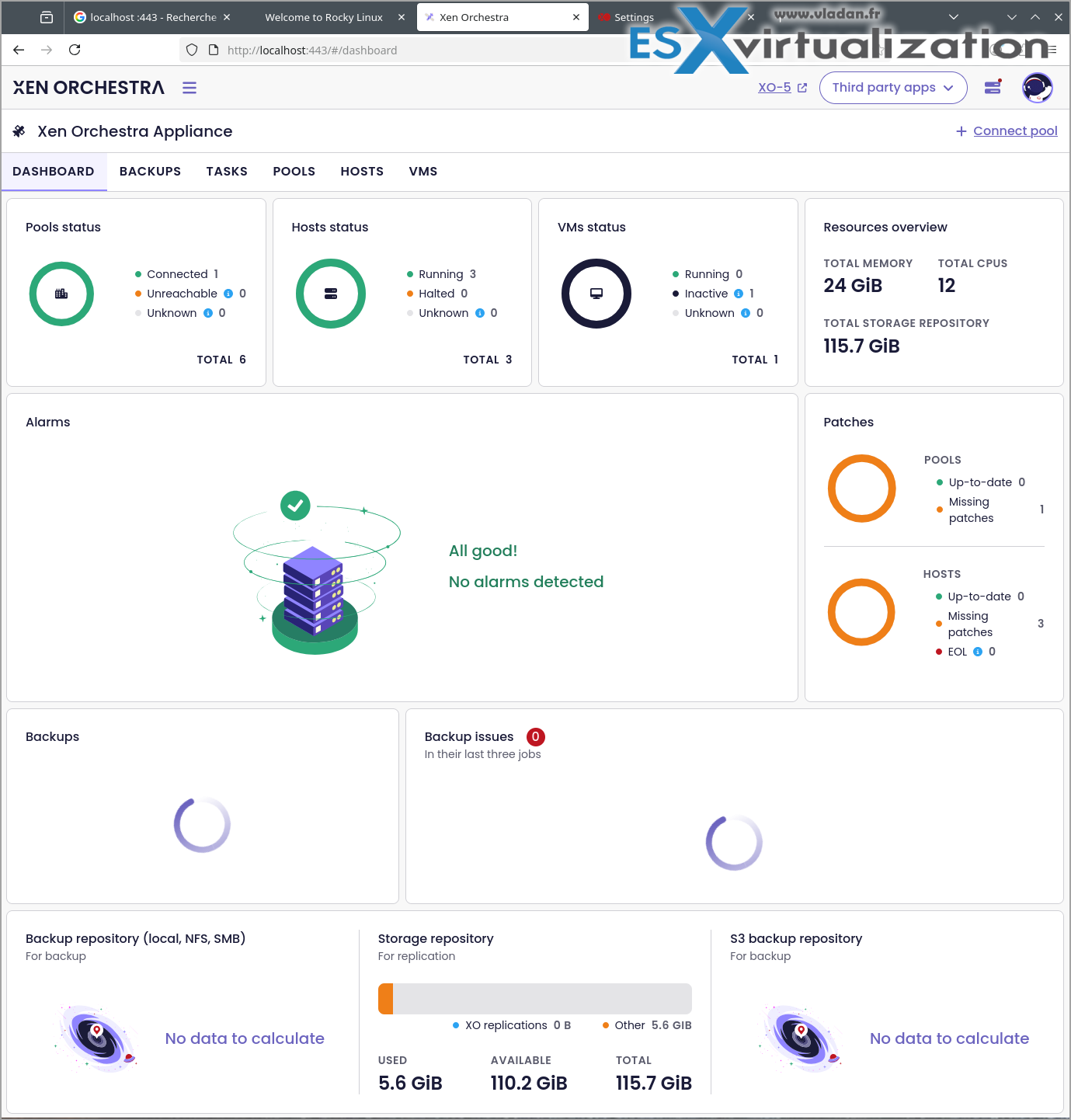
The XO6 looks more polish, more finished from the design perspective as well.
It has a completely rebuilt interface using Vue.js for improved performance, maintainability, and developer experience, featuring a modern, intuitive design with a long-requested tree view for infrastructure navigation.
Key new features and improvements include:
- Enhanced backup engine with support for large disks (2TiB+), differential restores, and built-in backup health checks for more reliable recovery.
- Real-time reactivity via a new event stream system, eliminating the need for manual refreshes and enabling instant updates across views.
- Fully documented Swagger-based REST API, designed to better integrate with DevOps workflows, CI/CD pipelines, and tools like Terraform and Pulumi.
- Improved UX/UI with better organization, clearer workflows, and support for internationalization through Weblate.
- Read-only access in the initial release, with most day-to-day operations still recommended via the XO 5 interface, though some actions (like VM and network creation) are available in XO
XO 6 is currently available only on the latest release channel (and via the repo) and is intended for admins with a dedicated feedback platform to guide future development. The transition from XO 5.x is finalized with the release of XO 5.113, the last in the 5.x series.
I see this solution goin steady up, especially when thinking that Veeam Backup and Replication will have it listed as one of its supporting platforms! As the vast majority of Veeam users are VMware shops, the considerations to migrate to other hypervisors, such as XCP-NG is higher for the upcomming months/years.
More about XCP-NG
- Veeam Backup and Replication Plug-in for XCP-NG Enters Public Beta: Powering Up Xen Hypervisor Backups
- VMware to Vates – Migration tool for XCP-NG and Xen Orchestra
- Agentless Backup Solutions for XCP-ng Hypervisor: External Vendor Options
- XCP-NG FREE Hypervisor and XO Lite to deploy XOA
- XCP-NG Virtualization Platform with management by Xen Orchestra
More posts from ESX Virtualization:
- Veeam Backup and Replication Upgrade on Windows – Yes we can
- Securing Your Backups On-Premises: How StarWind VTL Fits Perfectly with Veeam and the 3-2-1 Rule
- Winux OS – Why I like it?
- VMware Alternative – OpenNebula: Powering Edge Clouds and GPU-Based AI Workloads with Firecracker and KVM
- Proxmox 9 (BETA 1) is out – What’s new?
- Another VMware Alternative Called Harvester – How does it compare to VMware?
- VMware vSphere 9 Standard and Enterprise Plus – Not Anymore?
- VMware vSphere Foundation (VVF 9) and VMware Cloud Foundation (VCF 9) Has been Released
- Vulnerability in your VMs – VMware Tools Update
- VMware ESXi FREE is FREE again!
- No more FREE licenses of VMware vSphere for vExperts – What’s your options?
- VMware Workstation 17.6.2 Pro does not require any license anymore (FREE)
- Two New VMware Certified Professional Certifications for VMware administrators: VCP-VVF and VCP-VCF
- Patching ESXi Without Reboot – ESXi Live Patch – Yes, since ESXi 8.0 U3
- Update ESXi Host to the latest ESXi 8.0U3b without vCenter
- Upgrade your VMware VCSA to the latest VCSA 8 U3b – latest security patches and bug fixes
- VMware vSphere 8.0 U2 Released – ESXi 8.0 U2 and VCSA 8.0 U2 How to update
- What’s the purpose of those 17 virtual hard disks within VMware vCenter Server Appliance (VCSA) 8.0?
- VMware vSphere 8 Update 2 New Upgrade Process for vCenter Server details
- What’s New in VMware Virtual Hardware v21 and vSphere 8 Update 2?
- vSphere 8.0 Page
- ESXi 7.x to 8.x upgrade scenarios
- VMware vCenter Server 7.03 U3g – Download and patch
- Upgrade VMware ESXi to 7.0 U3 via command line
- VMware vCenter Server 7.0 U3e released – another maintenance release fixing vSphere with Tanzu
- What is The Difference between VMware vSphere, ESXi and vCenter
- How to Configure VMware High Availability (HA) Cluster
Stay tuned through RSS, and social media channels (Twitter, FB, YouTube)





Leave a Reply