
There is a new offering from VMware called vSphere Express. I think you've heard about it since it's been spread through the media during couple of days. It seems that they're trying to hold some of the SMBs (if they haven't left already).
Even if in the past Broadcom said, that there is no place for small clients, there is no option for small clients other than VCF. The vSphere Express is a bundle where you get ESXi 9.x, vCenter 9.x, distribured switch, vMotion. You don't get vSAN or DRS so you'll have to manage the load on your hosts manually. And, the package has 128 CPU cores. But let's start from the beginning.
vSphere Express: Broadcom’s New 128-Core Package for Essential Virtualization
Broadcom has finally listened to the smaller VMware customers. After two years of pushing everyone toward VMware Cloud Foundation (VCF) or vSphere Foundation (VVF), they introduced VMware vSphere Express (it is a bit too late for many, because they already left…) — a fixed 128-core package built on vSphere 9 aimed at environments that just need solid hypervisor capabilities without the full private-cloud stack.
The official announcement came in the VMware Cloud Foundation blog on 4 November 2026. Prashanth Shenoy (VP of product marketing for the VCF division) put it clearly:
“We started listening to a lot of our lower-end customers who didn’t really want the VVF but wanted the core virtualization capability, and [vSphere Express is] really meant for that market.”
This is exactly the gap many of us have been talking about on the blog for the last couple of years.
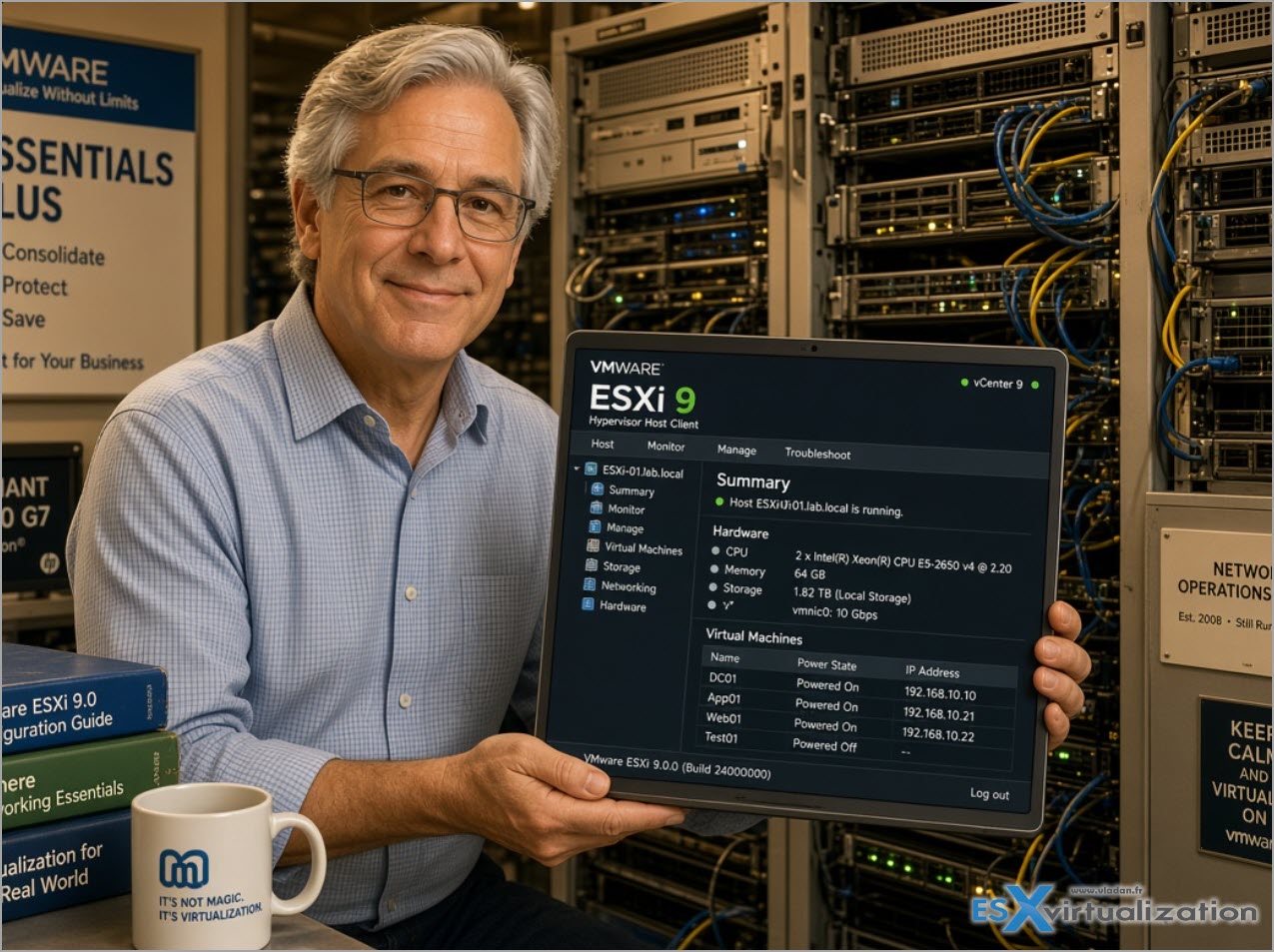
Thanks AI for the image -:)
What You Actually Get
vSphere Express is a single fixed subscription SKU (VCF-VSP-EXP) limited to 128 cores per customer across all environments. You cannot buy fewer cores, you cannot expand it, and each end customer can hold only one package. Partner listings (TD Synnex and others) show a US list price of $9,600 per year — roughly $75 per core if you fully use the 128 cores. German partners quote around €9,631 excluding VAT, subject to Broadcom approval.
Included features (confirmed via official docs and partner material):
- ESX Standard + vCenter Standard
- vMotion (with the improved performance from vSphere 9)
- High Availability (HA)
- vSphere Distributed Switch (VDS)
- vCenter Quick Patch
- TPM 2.0 and vTPM 2.0 support
Not included:
- Distributed Resource Scheduler (DRS) and Proactive HA
- vSAN
- Memory tiering
- SR-IOV, GPU / vGPU support
- Live Patching
- Full VCF Operations capabilities (only the licensing part is required)
- VCF Automation or Private AI services
In short: this is essentially classic vSphere Standard + Distributed Switch + the vSphere 9 improvements, without the resource-management and hardware-acceleration layer.
Deployment and Licensing Reality Check
According to the official Broadcom TechDocs page for vSphere Express, the mandatory components are:
- ESX hosts
- vCenter
- VCF Operations (used only for licensing)
- License server
Optional pieces are vSphere Replication, VMware Tools, and VMware Remote Console. There is no single-click installer — you deploy and configure everything manually. For a small three-host cluster this means you suddenly have two extra management appliances to size, patch, and back up just to keep the licences happy.
Licensing follows the same VCF/VVF infrastructure but with hard limits: maximum 128 cores per customer/site ID, default licence only (no splitting or sharing across sites), and version 9 or later only. Version 8 keys are not available for Express.
The European Angle – The Sentence That Matters MostFellow blogger Eric Sloof (NTPRO.NL) correctly highlighted the most important line in the whole announcement for European customers:
“Furthermore, for customers in countries in the European Economic Area, vSphere Standard version 8 and vSphere Enterprise Plus version 8 will remain available for sale until October 31, 2027, and will have Extended Support included in any active subscriptions to those offerings until the earlier of the applicable subscription end date or October 31, 2028.”
That single sentence changes the decision matrix completely for EEA customers (EU + Iceland, Liechtenstein, Norway — not the UK or Switzerland). You can still buy expandable, per-core vSphere Standard 8 until the end of October 2027 and keep support (subject to your subscription term) until October 2028.
Eric’s detailed analysis is excellent and I highly recommend reading both of his posts on the topic:
- Until October 2028: The One Sentence in Broadcom’s Announcement That Matters Most in Europe
- vSphere Express: What Broadcom’s New 128-Core Package Actually Delivers
Who Should Consider vSphere Express?
Good fit if:
- You are at or under 128 billable cores
- You are a new customer (or an existing customer that Broadcom has pre-approved)
- You do not need DRS, vSAN, GPU, or memory tiering
- You already use external shared storage (SAN/NFS)
- You are happy with a 12-month subscription and the path toward VVF later
Think twice if:
- Your estate is likely to grow beyond 128 cores
- You rely on DRS for maintenance or load balancing
- You run vSAN or need GPU acceleration
- You are outside the EEA and Standard 8 is already gone
For many smaller European shops which have not left VMware yet, the smartest move right now is simply to renew or buy more Standard 8 capacity while it is still available and use the extra runway to evaluate Express, VVF, or alternatives properly.
Bottom Line
vSphere Express is a welcome (and long-overdue) correction. Broadcom finally admits that not every customer needs the full private-cloud stack. (It took them only 2 years – they realized that they can make even more money). The product is real, documented, and orderable through partners today.
Just go in with your eyes open: fixed 128-core package, annual term, mandatory extra appliances for licensing, and no DRS/vSAN/GPU. Treat it as a bridge rather than a permanent home, especially if you are in the EEA where Standard 8 still has life until 2028.As always, check the official sources and confirm everything in writing with your partner before signing.
My thoughts on it
Lock in. Just another lock in imho, which, of course, give you more time to stay with VMware but more you stay, more you pay. It's like when you change a car. Will you go fully electric or you stay with old petrol/diesel technology …. ?
Useful links:
- Official announcement: Broadcom Updates VMware Portfolio…
- TechDocs – vSphere Express: https://techdocs.broadcom.com/us/en/vmware-cis/vsphere/vsphere/9-1/vsphere-express.html
- vSphere product page: https://www.vmware.com/products/cloud-infrastructure/vsphere
- Eric Sloof’s excellent deep-dives (linked above)
More posts from ESX Virtualization:
- How to update your ESXi 7.x or 8.x to the latest ESXi 8.0U3k via command line
- Veeam Bare Metal Recovery from Recovery partition
- Veeam Backup and Replication Upgrade on Windows – Yes we can
- Securing Your Backups On-Premises: How StarWind VTL Fits Perfectly with Veeam and the 3-2-1 Rule
- VMware Alternative – OpenNebula: Powering Edge Clouds and GPU-Based AI Workloads with Firecracker and KVM
- Another VMware Alternative Called Harvester – How does it compare to VMware?
- VMware vSphere 9 Standard and Enterprise Plus – Not Anymore?
- Vulnerability in your VMs – VMware Tools Update
- VMware ESXi FREE is FREE again!
- No more FREE licenses of VMware vSphere for vExperts – What’s your options?
- VMware Workstation 17.6.2 Pro does not require any license anymore (FREE)
- Two New VMware Certified Professional Certifications for VMware administrators: VCP-VVF and VCP-VCF
- Patching ESXi Without Reboot – ESXi Live Patch – Yes, since ESXi 8.0 U3
- Update ESXi Host to the latest ESXi 8.0U3b without vCenter
- Upgrade your VMware VCSA to the latest VCSA 8 U3b – latest security patches and bug fixes
- VMware vSphere 8.0 U2 Released – ESXi 8.0 U2 and VCSA 8.0 U2 How to update
- What’s the purpose of those 17 virtual hard disks within VMware vCenter Server Appliance (VCSA) 8.0?
- VMware vSphere 8 Update 2 New Upgrade Process for vCenter Server details
- What’s New in VMware Virtual Hardware v21 and vSphere 8 Update 2?
- vSphere 8.0 Page
- ESXi 7.x to 8.x upgrade scenarios
- VMware vCenter Server 7.03 U3g – Download and patch
- Upgrade VMware ESXi to 7.0 U3 via command line
- VMware vCenter Server 7.0 U3e released – another maintenance release fixing vSphere with Tanzu
- What is The Difference between VMware vSphere, ESXi and vCenter
- How to Configure VMware High Availability (HA) Cluster
Stay tuned through RSS, and social media channels (Twitter, FB, YouTube)





Leave a Reply