
Broadcom has released VMware Workstation Pro 26H1u1 (build 25688693) on 03 September 2026. This is a maintenance update focused on security patches and a handful of bug fixes. If you run Workstation for nested labs, development, testing, or daily desktop virtualization work, this one is worth installing.
I’ve been using VMware Workstation for years as my primary desktop hypervisor. On my current setup (desktop with plenty of RAM for nested environments) it remains the tool I reach for first when I need multiple platforms side-by-side without dedicating physical hardware.
What’s New in 26H1u1?
The release notes describe this version as containing security and bug fixes. The main new capability is Automated Secure Boot Platform Key remediation. It addresses Microsoft Secure Boot certificate expiration by simplifying Virtual Machine Platform Key (PK) remediation.
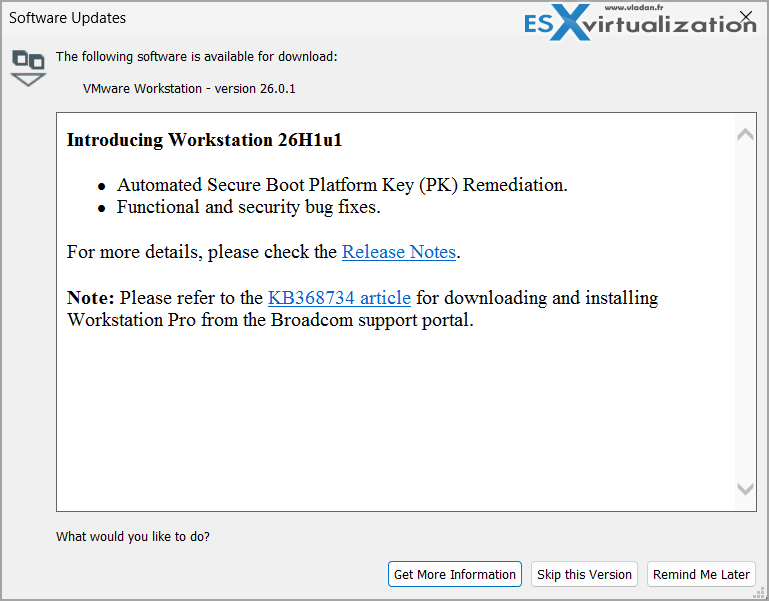
Two mechanisms are introduced:
- Silent Platform Key Update: During a guest reboot, this automatically updates the invalid VMW.NULLPK on Secure Boot-enabled virtual machines that do not have a vTPM.
- Capsule Platform Key Update: During a guest reboot, this provides a secure way to update the invalid VMW.NULLPK on Secure Boot-enabled and vTPM-enabled Windows virtual machines, without interrupting TPM-based applications.
Important note from the release notes: The Capsule PK Update driver that triggers the PK update is introduced in VMware Tools 13.1.5 for most Windows versions. Before you upgrade to VMware Tools 13.1.5 or later, you must install the July 2026 (or later) Windows Cumulative Update on the guest OS so the PK update driver can install properly.
This release also resolves CVE-2026-59346 and CVE-2026-59347. For details on the vulnerabilities and their impact, see the official advisory VMSA-2026-0007.
VMware Workstation Pro remains free for commercial, educational, and personal use.
No license key is required.
Resolved Issues
Three usability bugs are fixed in this build:
- The system notification icon context menu was not localized for French and Spanish. When you right-clicked the VMware Workstation system tray icon on a French or Spanish host OS, the menu still showed English text. This is corrected.
- When a guest operating system disables all its monitors (for example in response to a power-management event), VMware Workstation sometimes could not grab input to wake the guest. This is fixed.
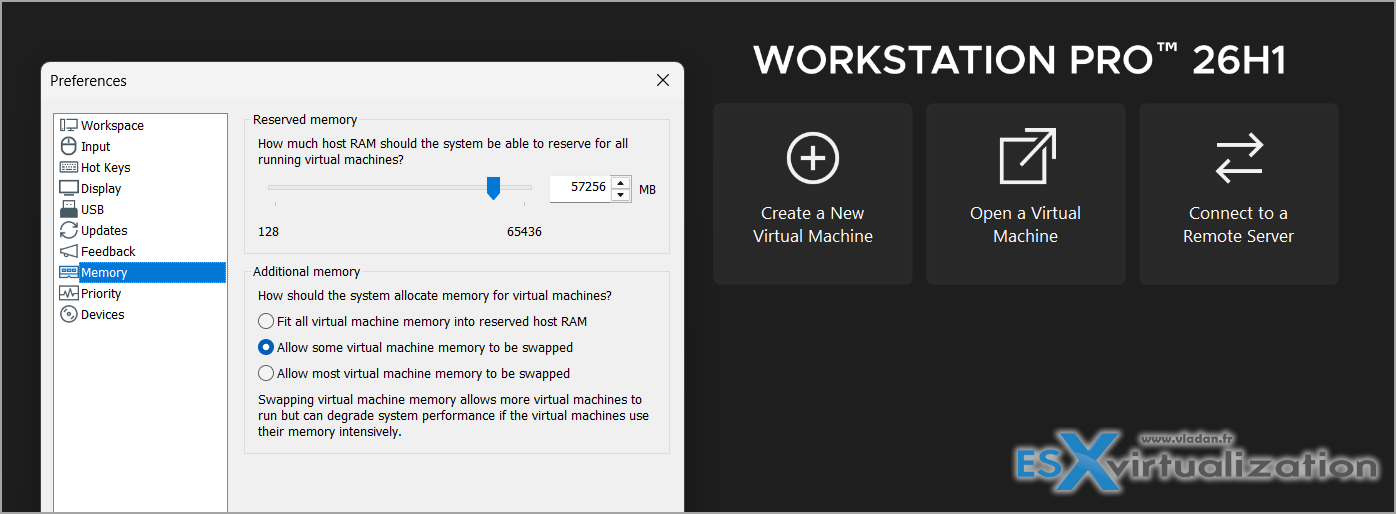
- With hardware acceleration enabled, the virtual machine UI could shrink to a thumbnail in the upper-left corner of the console after switching between the Home tab and the My Computer tab of a powered-on VM. This happened when the “Allow Hardware Acceleration for all virtual machines” checkbox was selected under Preferences → Display. The issue is resolved.
Download and Installation
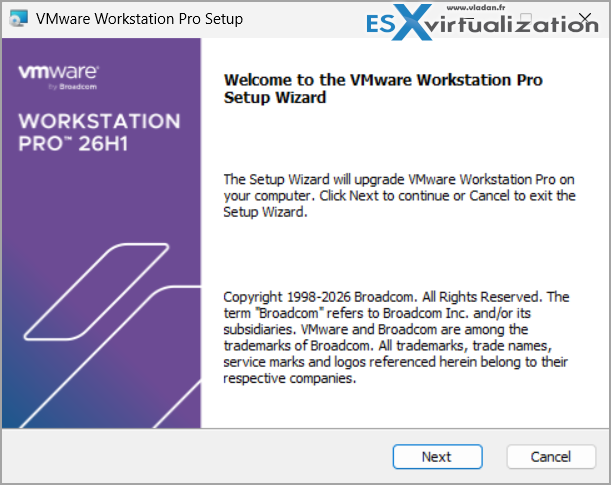
Log in to the Broadcom Support Portal and download the latest VMware Workstation Pro for Windows or Linux. A free Broadcom account is required.
After installing the host update, update VMware Tools inside your running guests (especially Windows ones that need the Capsule PK Update driver). Right-click the VM → Install VMware Tools, or use the automatic Tools update option if you have it enabled.
Full official release notes are here:
https://techdocs.broadcom.com/us/en/vmware-cis/desktop-hypervisors/workstation-pro/26H1/release-notes/vmware-workstation-pro-26h1u1-release-notes.htmlFinal Words26H1u1 is a straightforward security-and-stability release. The Secure Boot Platform Key remediation is the most interesting addition if you run modern Windows guests with Secure Boot and vTPM. The three bug fixes clean up a few annoying UI and input issues. Combined with the two CVEs that are patched, there is little reason not to apply this update.
As always, VMware Workstation Pro is free – just grab it from the Broadcom portal and keep your Tools current.
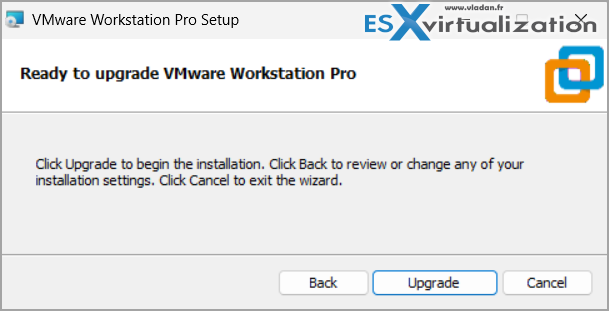
File: VMware-Workstation-Full-26H1u1-25688693.exe (267.61 MB)
Build Number: 25688693
More posts from ESX Virtualization:
- Veeam Backup & Replication 13.1: The Features That Actually Matter (and Why You Should Move Now)
- Veeam Bare Metal Recovery from Recovery partition
- Veeam Backup and Replication Upgrade on Windows – Yes we can
- Securing Your Backups On-Premises: How StarWind VTL Fits Perfectly with Veeam and the 3-2-1 Rule
- VMware Alternative – OpenNebula: Powering Edge Clouds and GPU-Based AI Workloads with Firecracker and KVM
- Another VMware Alternative Called Harvester – How does it compare to VMware?
- VMware vSphere 9 Standard and Enterprise Plus – Not Anymore?
- VMware vSphere Foundation (VVF 9) and VMware Cloud Foundation (VCF 9) Has been Released
- Vulnerability in your VMs – VMware Tools Update
- VMware ESXi FREE is FREE again!
- No more FREE licenses of VMware vSphere for vExperts – What’s your options?
- VMware Workstation 17.6.2 Pro does not require any license anymore (FREE)
- Two New VMware Certified Professional Certifications for VMware administrators: VCP-VVF and VCP-VCF
- Patching ESXi Without Reboot – ESXi Live Patch – Yes, since ESXi 8.0 U3
- Update ESXi Host to the latest ESXi 8.0U3b without vCenter
- Upgrade your VMware VCSA to the latest VCSA 8 U3b – latest security patches and bug fixes
- VMware vSphere 8.0 U2 Released – ESXi 8.0 U2 and VCSA 8.0 U2 How to update
- What’s the purpose of those 17 virtual hard disks within VMware vCenter Server Appliance (VCSA) 8.0?
- VMware vSphere 8 Update 2 New Upgrade Process for vCenter Server details
- What’s New in VMware Virtual Hardware v21 and vSphere 8 Update 2?
- vSphere 8.0 Page
- ESXi 7.x to 8.x upgrade scenarios
- VMware vCenter Server 7.03 U3g – Download and patch
- Upgrade VMware ESXi to 7.0 U3 via command line
- VMware vCenter Server 7.0 U3e released – another maintenance release fixing vSphere with Tanzu
- What is The Difference between VMware vSphere, ESXi and vCenter
- How to Configure VMware High Availability (HA) Cluster
Stay tuned through RSS, and social media channels (Twitter, FB, YouTube)





Leave a Reply